
Rank Math PRO 3.0.123 Compromise: How to Check and Recover Your Site
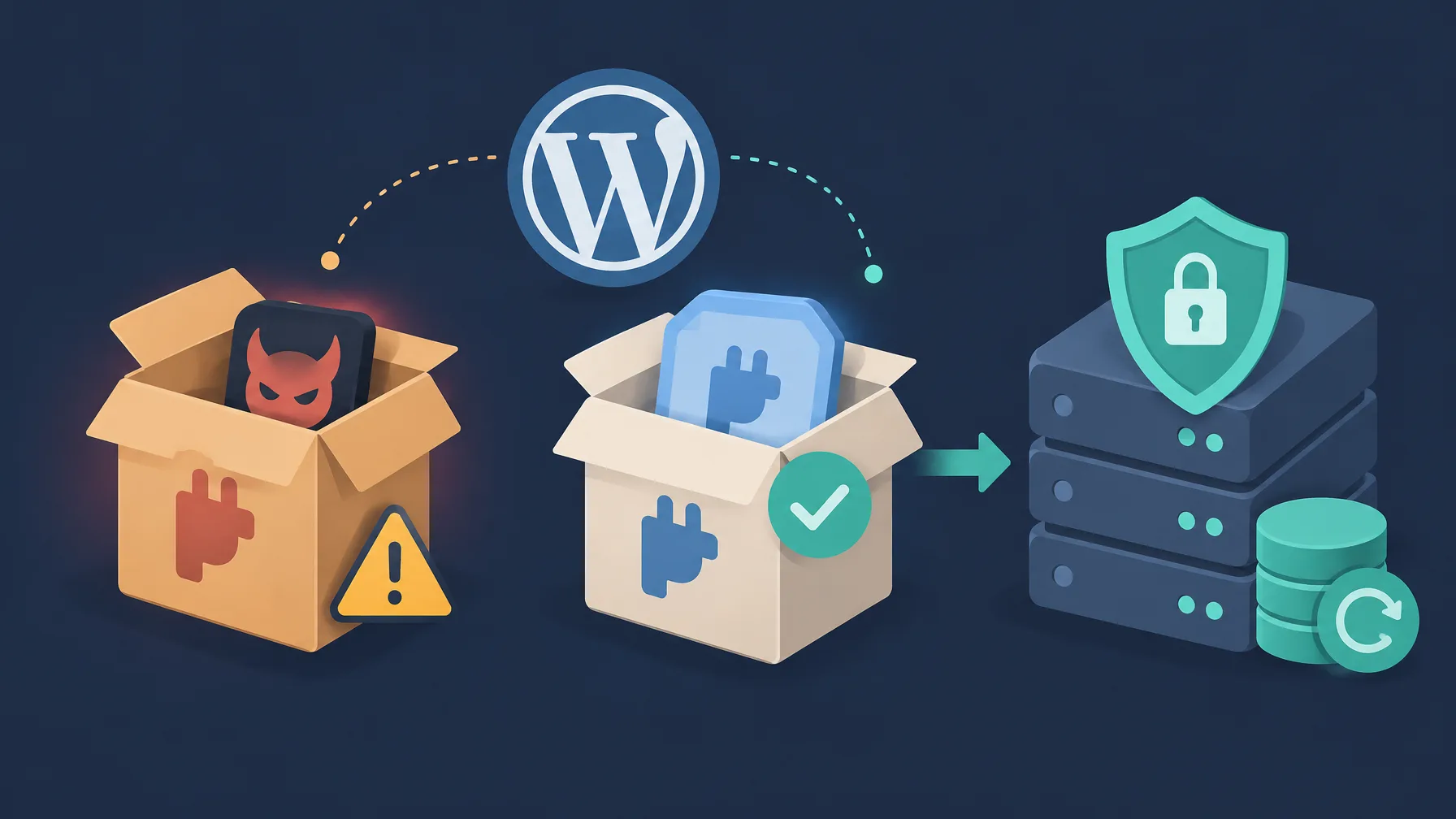
Official Rank Math PRO 3.0.123 packages distributed between October 15, 2026, at 20:02 UTC and October 16, 2026, at 07:12 UTC included malware. If an affected copy ran on your site, installing the clean 3.0.124 release doesn’t remove backdoors, administrator accounts, or scheduled tasks that the malware may have created elsewhere.
This was a supply-chain compromise: malicious code reached customers through an official plugin download or update package, rather than through exploitation of a programming bug. Recovery depends on whether you obtained an affected package and whether it was ever activated.
What the compromised package could do
The malware executes when the affected plugin is activated. It can establish persistent access, communicate with rank1cdn[.]com, and rebuild hidden backdoors when someone visits the website. Treat WordPress credentials, database credentials, API keys, and any other secrets readable by the web server as potentially exposed.
The vulnerability record assigns CVE-2026-111862 a Common Vulnerability Scoring System (CVSS) score of 9.8, Critical. A Common Vulnerabilities and Exposures (CVE) identifier provides a shared reference for tracking a security issue. The affected plugin identifier is seo-by-rank-math-pro, and the clean release is 3.0.124.
Rank Math removed the affected packages and released 3.0.124. The notice covers the PRO plugin only; it does not identify the free Rank Math plugin as affected. How the packages were tampered with has not been published, and there are no established attacker identities or victim counts in the available information.
Determine which recovery path applies
Check the installed version under Plugins in WordPress admin, then establish when the package was downloaded or delivered through an update. The affected distribution window lasted about 11 hours: October 15, 22:02 CEST through October 16, 09:12 CEST, equivalent to the UTC window above.
Version 3.0.123 alone does not establish compromise. Only a subset of packages obtained during that window was affected. Rank Math has records of affected downloads and is notifying those customers; act on a notification even if your site now runs another version.
- Affected package installed and activated: Treat the site as compromised and follow a full recovery path. This includes an affected package obtained during the window and activated afterward.
- Affected package installed but never activated: Delete its files, obtain clean version 3.0.124 from your Rank Math account, install it, and run a precautionary security scan.
- Affected package downloaded but never installed or activated: This incident alone does not indicate that your site was compromised. Don’t deploy that package. If you can’t establish whether it was installed or activated, contact Rank Math support.
An update is not a full cleanup
Replacing Rank Math PRO with 3.0.124 replaces the plugin package. It does not remove malicious files elsewhere, unauthorized administrator accounts, or WordPress and system cron jobs.
Collect a quick triage snapshot
WP-CLI, the command-line interface for WordPress, can help you inspect the installed version, suspicious database options, and administrator accounts. These commands are checks, not a cleanup procedure, and clean results do not prove that a site is safe.
# Run WordPress commands from the site's WordPress directory.
wp plugin get seo-by-rank-math-pro --field=version

# Missing options may produce errors; check all three names.
wp option get _uf6qdn2hmm
wp option get t8krdk990phb
wp option get _np5pvf754c

wp user list --role=administrator --fields=ID,user_login,user_email,user_registered
wp core verify-checksums
wp cron event list

ls -la wp-includes/class-wp-cache-util.php
grep -RIn -- 'xmmqhn' wp-content/

# Requires permission to read the web server user's crontab.
# Replace www-data if your host uses a different account.
crontab -l -u www-data | grep -- 'ms6v46'A checksum compares a file against an expected reference to detect changes. The WordPress core check won’t cover every file, database change, or server-level persistence mechanism, so continue with the applicable recovery path even if that check passes.
Recovery path A: restore a pre-incident backup
Rank Math recommends restoring both website files and the database from a clean backup created before October 15, 2026, at 20:02 UTC. That cutoff is October 15 at 22:02 CEST or 16:02 EDT, and October 16 at 01:32 IST.
- Restore files and the database together. Select a clean backup from before the cutoff, rather than restoring only the plugin directory.
- Scan the restored site. Use a reputable security tool such as Wordfence or Sucuri.
- Replace potentially exposed credentials. Complete every item in the credential checklist below, including database credentials and secrets outside WordPress user accounts.
- Install Rank Math PRO 3.0.124. Obtain the clean package from your Rank Math account after restoring the site.
Ask your hosting provider for help if you aren’t sure how to restore the backup. A restore doesn’t invalidate secrets that may already have left the server, so credential rotation remains necessary.
Recovery path B: remove the malware manually
Page visits can trigger the malware to recreate a hidden backdoor. You must stop that regeneration mechanism before removing the files it produces, or a cleanup can leave you with the same malicious files again.
Keep the cleanup order
Complete all containment actions in Step 1 before starting Step 2. If website files, databases, or server settings are outside your usual work, have your hosting provider or a qualified security professional perform the cleanup.
Step 1: disable the regeneration mechanism
Deleting the affected plugin files is required; deactivation alone is insufficient. Use your hosting file manager or File Transfer Protocol (FTP) access to remove the entire Rank Math PRO directory, identified as rank-math-pro in the recovery instructions.
- Delete the complete Rank Math PRO plugin folder. Don’t leave affected files in place after deactivating the plugin.
- Remove the malicious database options. In phpMyAdmin or another database tool, inspect
wp_optionsand delete any entries whoseoption_nameis_uf6qdn2hmm,t8krdk990phb, or_np5pvf754c. Use the site’s actual options table if its table prefix differs. - Block outbound access to
rank1cdn.comwhere supported. Ask your host or use your firewall’s outbound controls to prevent connections to that domain.
Finish these containment actions before searching for and deleting the remaining backdoors. If your hosting environment doesn’t let you block the domain, involve the provider rather than assuming that plugin removal covers every persistence mechanism.
Step 2: inspect every persistence location
Indicators of compromise (IOCs) are artifacts that help identify malicious activity, such as a filename, account pattern, or database option. Inspect all of the following areas; finding one indicator doesn’t establish that you’ve found every change.
Hidden PHP backdoors
Search wp-content/mu-plugins/, other plugins’ directories, the inc/, includes/, and lib/ directories of non-default themes, and Rank Math’s includes/ directory. The mu-plugins directory holds must-use plugins, which WordPress loads automatically.
Investigate PHP containing base64_decode combined with exclusive OR (XOR) loops, the key xmmqhn, calls to proc_open, or PHP FastCGI Process Manager (PHP-FPM) socket code. These patterns need contextual review; a security plugin or your host can help identify and remove the malicious files.
Unauthorized administrators
Review every account with administrator privileges, especially unfamiliar usernames that start with wpsupport_ and continue with random characters. Email addresses ending in @wp-mail[.]net are another indicator to investigate.
Remove accounts confirmed to be malicious or unauthorized. You can list administrators with wp user list --role=administrator, or use the expanded triage command above to include email addresses and registration dates.
A fake core file
wp-includes/class-wp-cache-util.php is not a legitimate WordPress core file. Remove it if present, run wp core verify-checksums, and reinstall WordPress core files from an official source to address any other core modifications.
PHP execution through .cache files
Inspect .htaccess in the website root and its subdirectories for rules that permit .cache files to execute as PHP. Search the server for .cache files containing PHP code and investigate suspicious matches.
WordPress events and system cron
Cron schedules recurring tasks at the operating-system level, while WordPress maintains its own scheduled events. Check the web server user’s system crontab for entries marked #ms6v46, then review WordPress events with wp cron event list.
Investigate suspicious tasks and remove those confirmed to be malicious. Checking only WordPress events leaves system-level scheduled tasks unexamined.
Other plugins, themes, and uploads
- Reinstall plugins and themes from their official sources, and compare existing files with clean copies where possible.
- Inspect the
uploads/directory for PHP files, which generally should not be there. - Investigate unexpected files and modified files before deciding what to remove.
Changes outside the website directory
The attack may have affected areas beyond WordPress wherever the web server user had access. Review Secure Shell (SSH) authorized_keys files, other system users’ crontabs, running processes, and writable locations outside the website directory.
On shared hosting, you may not be able to inspect these areas yourself. Ask your provider to investigate them rather than treating the WordPress directory as the full scope of the incident.
Step 3: rotate credentials after removing persistence
Assume the compromised site could expose any credential or secret accessible to its web server process. Replace those values after removing the malware, and complete this checklist even if you recovered from a backup.
- Passwords: Change WordPress account passwords and any other relevant passwords accessible to the compromised site.
- Database access: Replace the database username and password configured in
wp-config.php. - WordPress security keys and salts: Generate new values in
wp-config.php. These values support WordPress authentication security. - API keys and service credentials: Replace application programming interface (API) keys, payment gateway keys, SMTP mail credentials, and other secrets in settings or configuration files.
- Hosting and server access: Change hosting control panel, FTP, SSH File Transfer Protocol (SFTP), and SSH passwords or credentials. Review secrets held in environment variables as well.
- Two-factor authentication: Review administrator accounts’ second-factor configuration and reset it where necessary.
Apply the replacement values to your website configuration and connected services wherever required. If you don’t know which credentials the site could access, ask your host or security professional to help inventory them.
Step 4: verify the cleanup
Run a new security scan after cleanup and credential rotation. Wordfence and Sucuri are the scanning tools named in the recovery guidance.
- Scan the website with a reputable security tool.
- Verify WordPress core with
wp core verify-checksums. - Check installed plugin files with
wp plugin verify-checksums --all. Some plugins, particularly premium plugins, lack available checksums; compare those with clean packages from their official sources. - Monitor outbound connections and other suspicious activity over the following days.
- Check whether any deleted malicious files return.
wp core verify-checksums
wp plugin verify-checksums --allReturning files or unusual activity indicate that cleanup may be incomplete. Repeat the persistence review in Step 2 and have your hosting provider or a security professional investigate further.
Install 3.0.124 through your vendor account
After completing the applicable recovery steps, navigate directly to rankmath.com, sign in, and obtain Rank Math PRO 3.0.124 from your account’s downloads area. Some accounts may require a password reset before you can sign in.
Watch for incident-related phishing
Rank Math states that it never sends login or download links by email. Treat unsolicited password-reset or download links as suspicious, including messages that claim to help with this incident. Start from the vendor website yourself.
Avoid unofficial or GPL redistribution sites for the replacement package; they may still distribute copies of 3.0.123. Use the vendor account so you’re obtaining the clean release from its official distribution channel.
For help establishing your exposure or choosing recovery steps, contact support@rankmath.com or open a support ticket. Include the Rank Math PRO version involved and the recovery actions you’ve already completed.
Set the next maintenance tasks
Review your premium-plugin update policy after recovery. Automatic updates can deliver security fixes promptly, but a compromised official package can travel through the same channel; a trusted commercial vendor isn’t outside the scope of supply-chain attacks.
- Keep off-site backups with enough retention to recover a version from before an incident is discovered.
- Monitor outbound connections from the web server and restrict them where practical.
- Use checksum verification for supported files and compare premium plugins against clean official packages where checksums aren’t available.
- Review how premium-plugin automatic updates fit your monitoring and recovery procedures.
- Keep replacement downloads tied to vendor accounts, and warn site administrators about phishing messages that use the incident as a pretext.
For each site you manage, establish the package’s download time and activation history first. Then complete the appropriate recovery path and assign someone to watch for returning files and suspicious outbound traffic over the following days.
Emma Richardson
UI/UX designer and frontend developer. React and the modern JavaScript ecosystem are my expertise. Passionate about user experience and accessibility.
All posts