
WordPress 7.1 “Mary Lou”: Responsive Design, Media, and Developer APIs
WordPress 7.1 is available as “Mary Lou,” a release named for jazz pianist, arranger, and composer Mary Lou Williams. Williams performed publicly from age six and worked across swing, bebop, and sacred jazz; during the 1940s, her Harlem apartment became a regular meeting place where Thelonious Monk, Dizzy Gillespie, and Bud Powell exchanged ideas that helped shape bebop. Her career combined reinvention with collaboration, two themes reflected in this release.
You can explore Mary Lou Williams’ music while working through the new editor, media, theme, and API capabilities.
Download WordPress 7.1Editing controls that follow your workflow
The admin bar now remains available throughout every editor, rather than disappearing as you move between admin screens and editing contexts. This gives you consistent access to familiar tools and clearer orientation whether you are editing a post or changing site design. The bar also has small visual refinements.
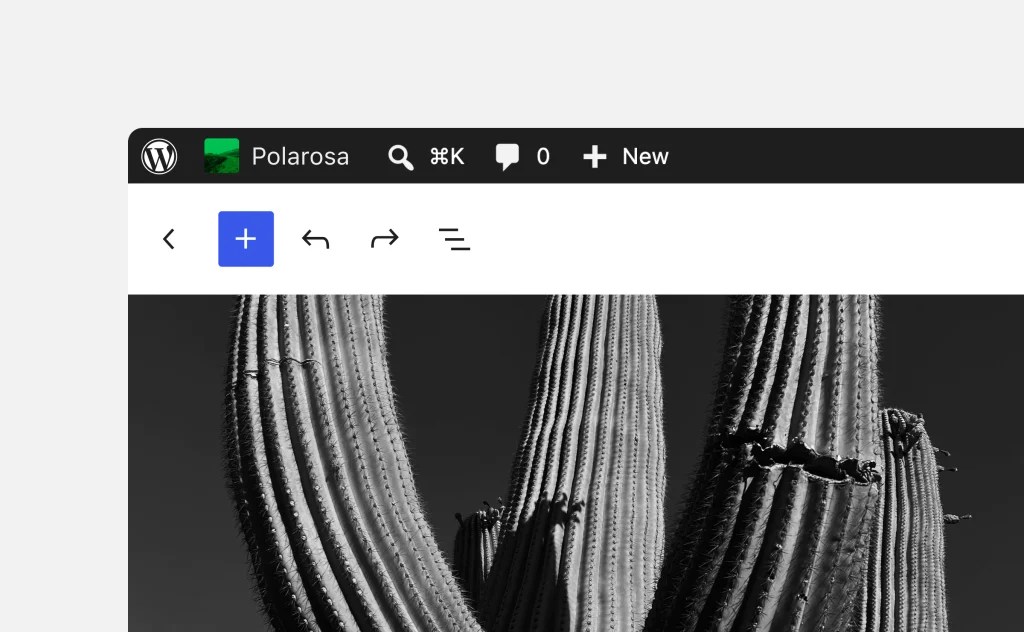
The post editor is now fully iframed for every theme, matching the Site Editor architecture. Its editing canvas runs apart from the WordPress admin interface, preventing admin styles from affecting content. Viewport-relative units and media queries consequently apply to the canvas itself, which makes responsive layout behavior more predictable while editing.
Build responsive layouts without custom CSS
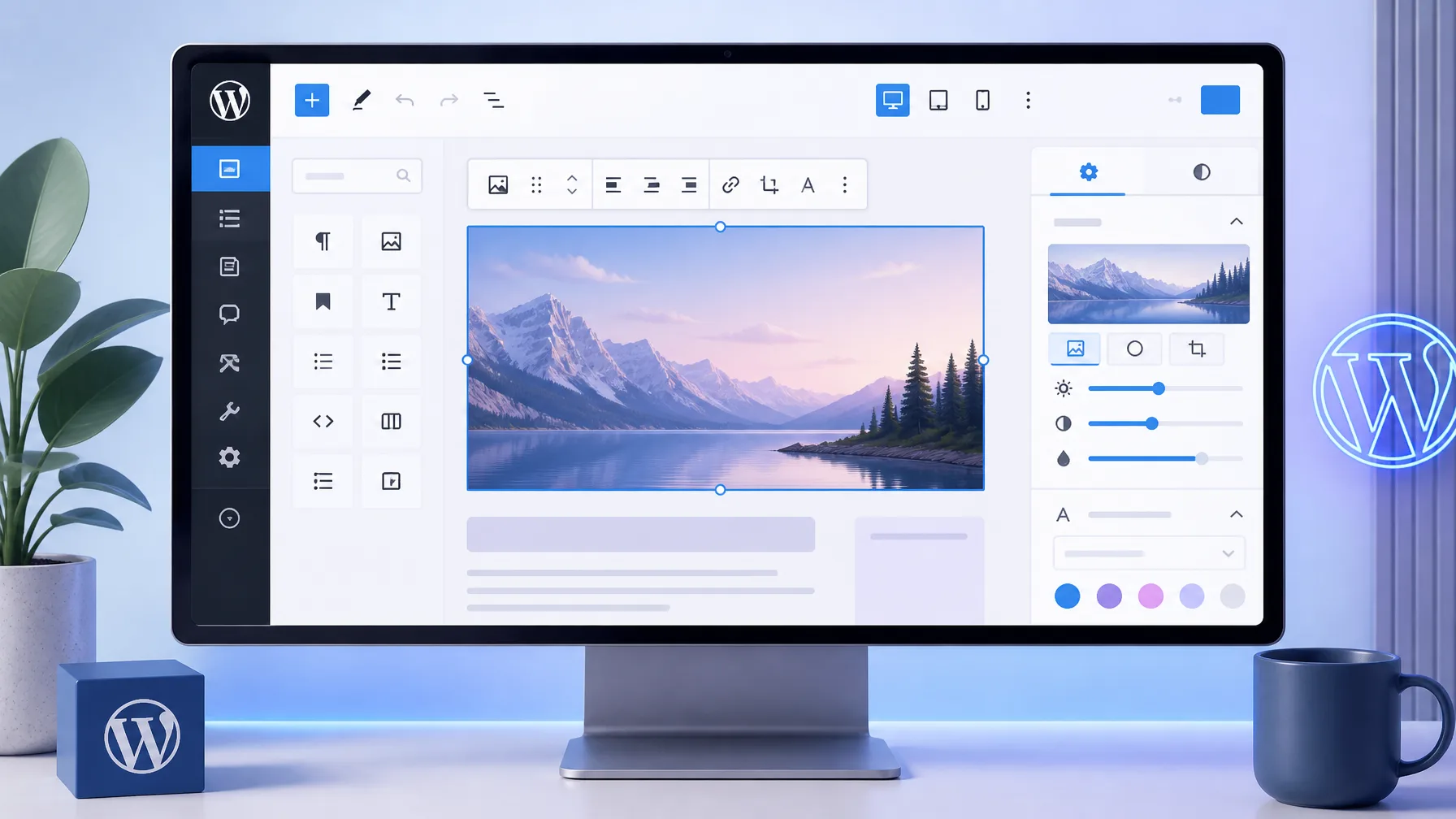
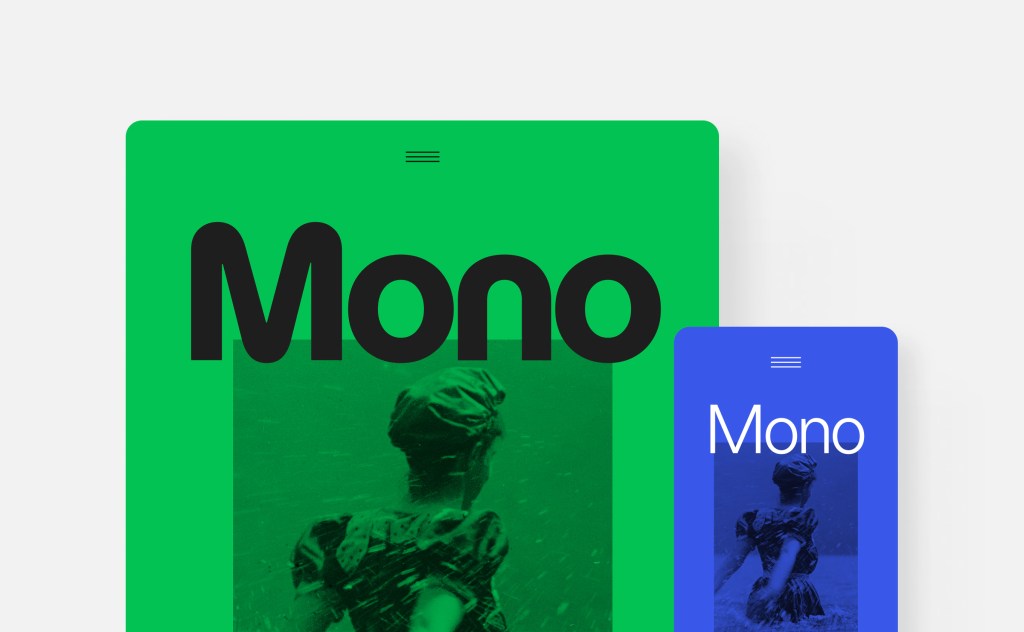
Responsive styling is now available in the Site Editor through Global Styles and individual block settings. You can set how a block appears at different screen sizes without writing custom CSS, then preview the work at different viewport sizes from the editor.
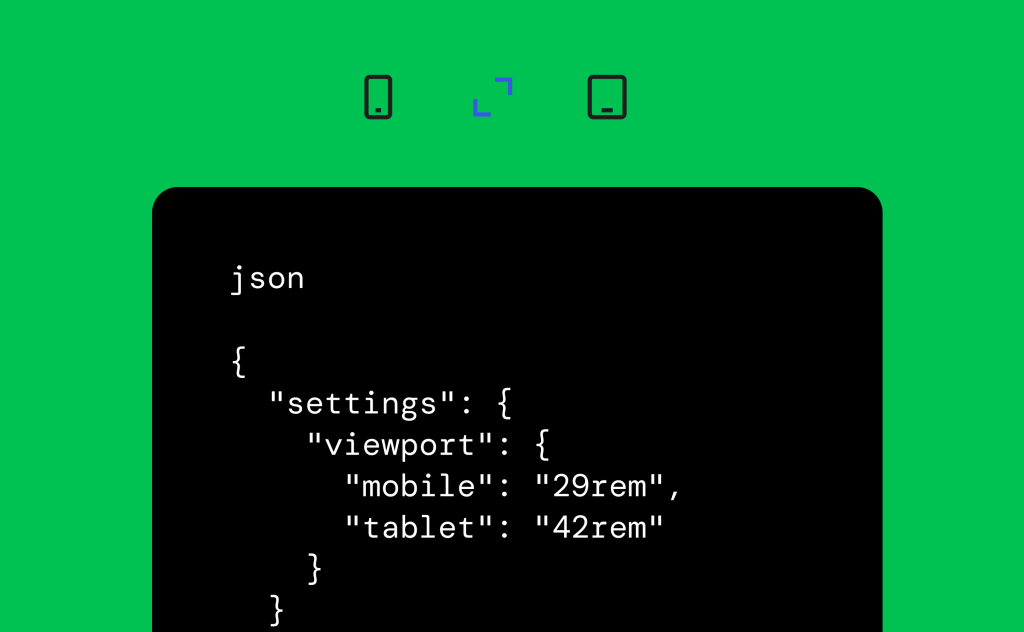
Block themes can define their own mobile and tablet breakpoints in theme.json. Those values override the default breakpoints used for responsive styles and block visibility.
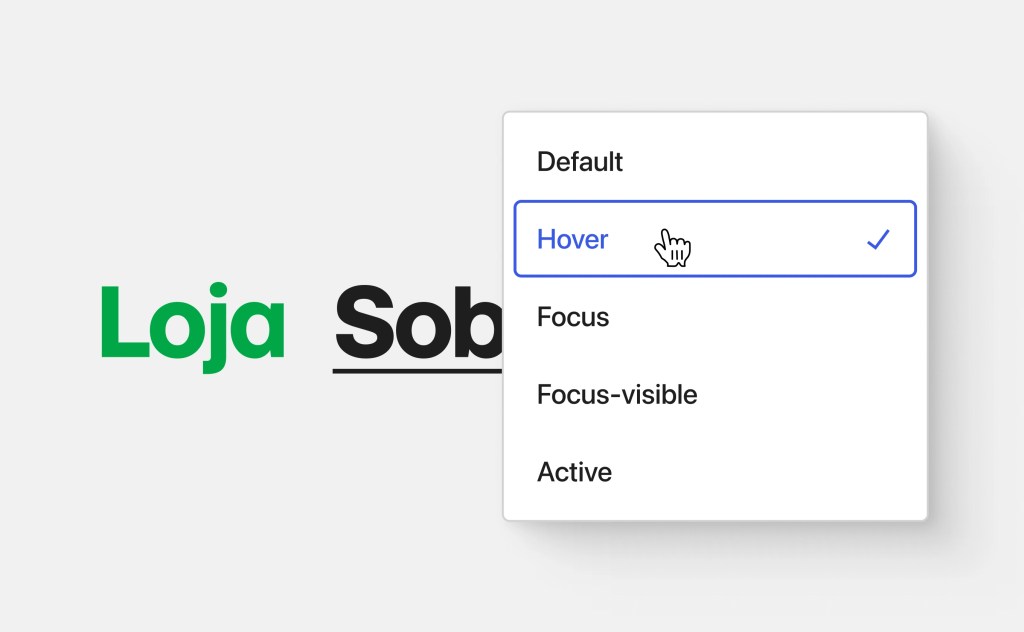
Button blocks also gain editor controls for interactive pseudo-states: hover, focus, and active. Apply those styles to one Button block or define them for all buttons.
A dedicated media editing and upload path
Selecting the familiar Crop button now opens a dedicated media editor modal instead of the earlier inline cropping interface. The modal combines freeform and aspect-ratio cropping, horizontal and vertical flipping, precise rotation controls, and metadata editing.
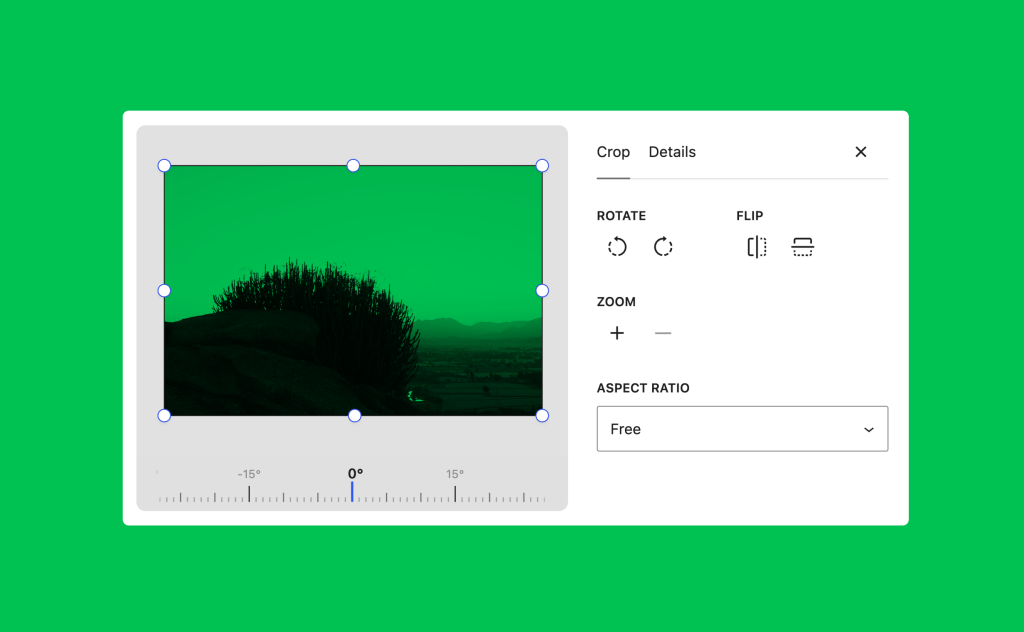
Image compression, resizing, and thumbnail generation now run in the browser through a WebAssembly build of libvips. Moving that work to the browser lowers server processing load and produces smaller files, while avoiding PHP memory limits and upload timeouts for larger uploads.
WordPress 7.1 adds native handling for AVIF, HEIC, and HDR gain maps, covering formats produced by current cameras and phones. Uploads also show progress, retry automatically if a connection drops, and can use opt-in GIF-to-video conversion to create typically smaller files.
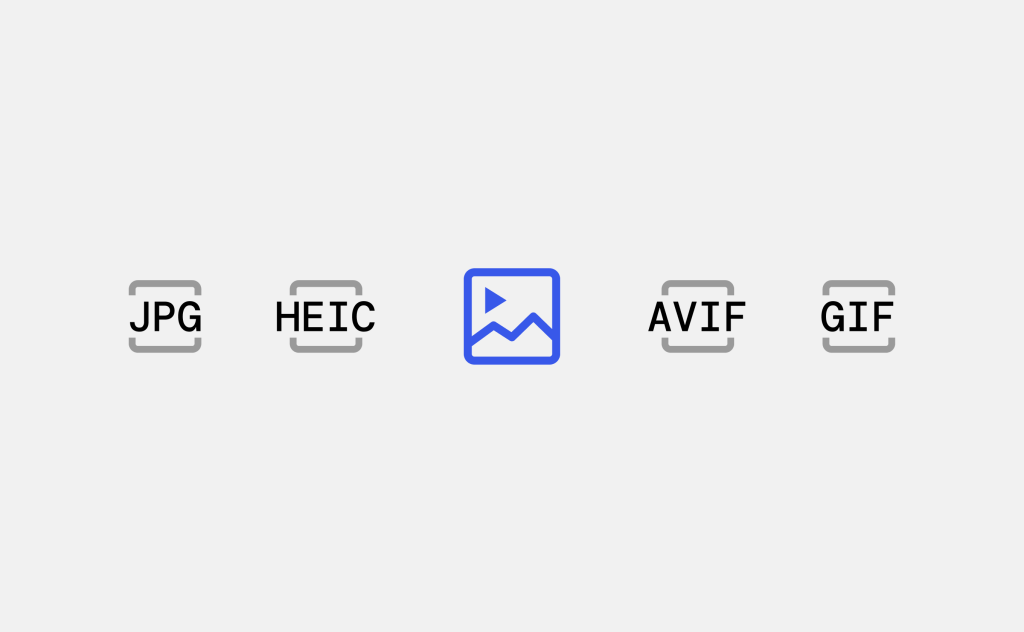
The Media Library uses infinite scrolling by default. Individual users can switch their own view back to pagination.
Notes can target text and notify collaborators
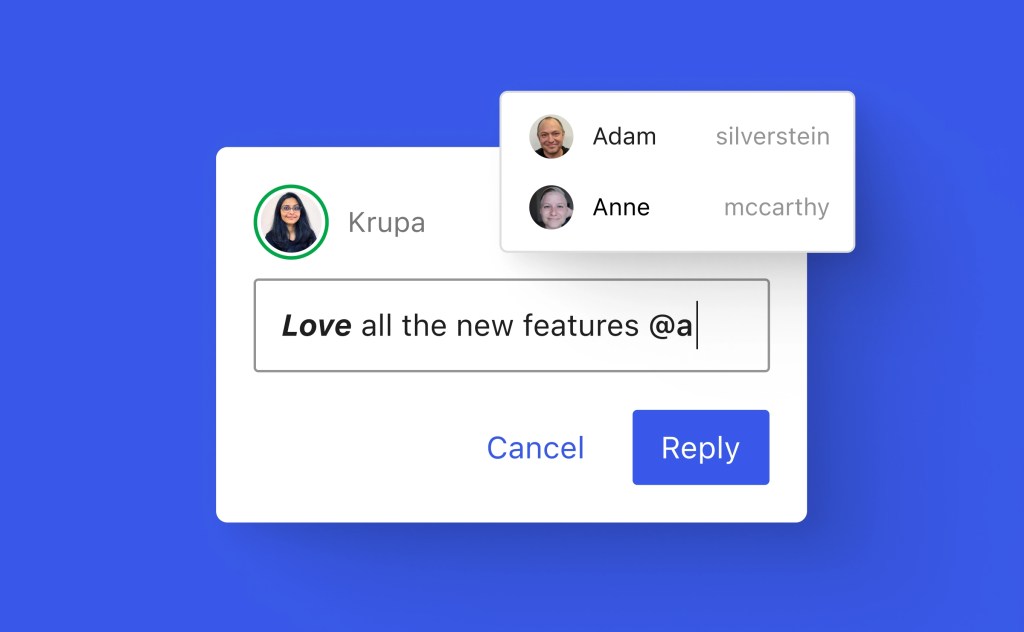
Notes are no longer restricted to an entire block: you can attach one to a specific selection of text. A single block can contain multiple conversations, and long notes can be collapsed to keep the editor margin manageable.
Rich text in Notes supports bold, italic, code formatting, and links. Typing @ lets you mention a collaborator and send that person a notification, which makes review feedback more specific and easier to route.
New blocks and editor content options
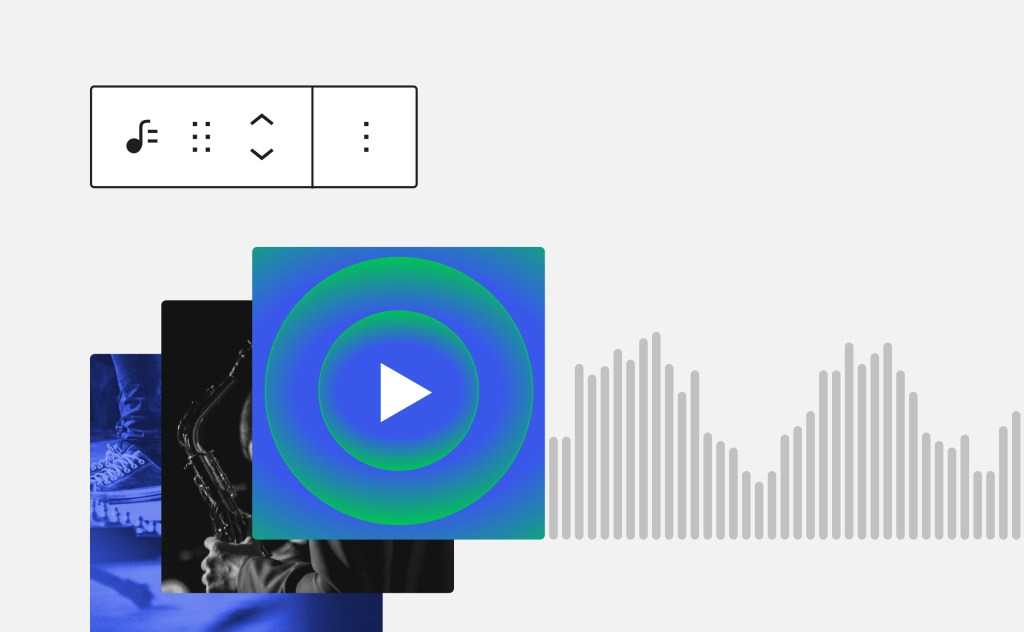
The new Playlist block groups multiple audio tracks into a single playlist. It can optionally show a waveform so listeners have a visual indication of each track during playback.
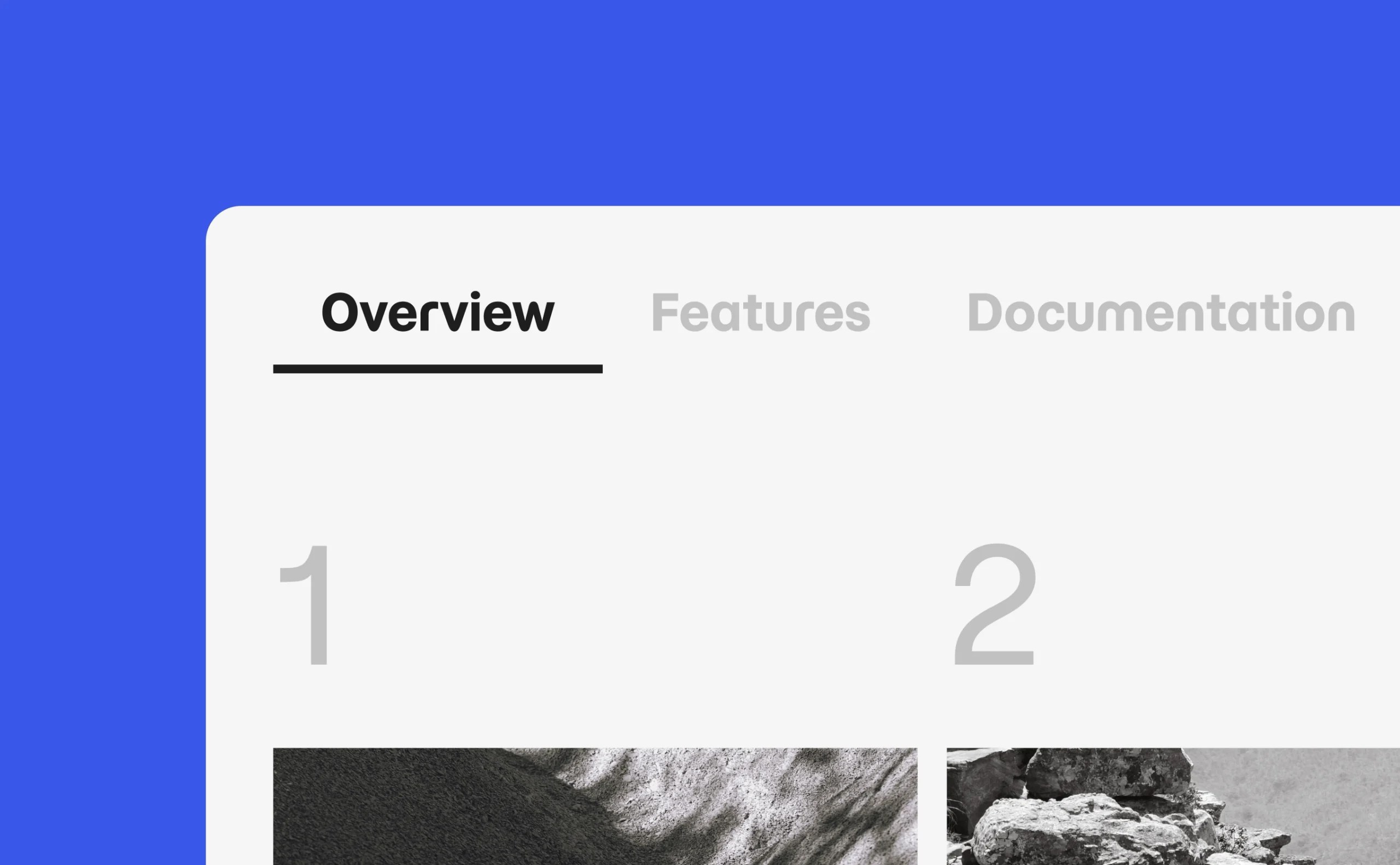
The new Tabs block places related content in tabbed panels rather than displaying every section at once. It provides a way to present connected information without crowding the page.
Developer toolbox updates
The SVG Icon API is now public. You can register icon collections and individual icons for use throughout the editor with wp_register_icon_collection(), wp_register_icon(), and wp_get_icon().
The Abilities API extends the infrastructure introduced in WordPress 6.9. It now includes a filterable execution lifecycle, custom validation, and shared discovery, which supports integrations and automation built on WordPress, including AI-powered tooling.
A new Design System establishes building blocks for theming WordPress admin interfaces, including colors, roundness, and cursor styles. Use semantic design tokens and the ThemeProvider React component to make custom admin interfaces more consistent with WordPress.
Theme authors can configure responsive styles and pseudo-state styles for hover, focus, focus-visible, and active through theme.json. New filters also let developers configure the DataViews and DataForm screens used by Pages, Templates, Parts, and Patterns in the Site Editor.
Accessibility and navigation improvements
New wp_get_tooltip() and wp_get_toggletip() functions make accessible tooltips available in more WordPress admin locations, including post meta boxes and the login screen. Screen reader support also improves through clearer labels and more predictable navigation in post list tables.
The Tab and Playlist blocks include accessibility work, alongside updates to editor navigation and interaction. These changes expand the set of WordPress interfaces that are easier to navigate and use.
Configure prefetching and review the release
Speculative loading defaults can now be set with environment variables or constants. Hosts and site owners can therefore configure how WordPress prefetches pages without creating a plugin.
For the complete feature set, visit the WordPress 7.1 feature showcase. Learn WordPress provides how-to videos for both new and experienced users, interactive workshops for deeper exploration, and lesson plans for focused study.
Before you deploy, review the WordPress 7.1 Release Notes for installation details, enhancements, fixed issues, learning resources, and file changes. For implementation-level context, use the WordPress 7.1 Field Guide, which contains detailed developer notes for building with this release.
References / Sources
James O'Brien
Backend developer, Node.js and Go specialist. API design and microservices architecture are my main focus. I love diving deep into technical details.
All posts