
Modular DS (WordPress) Is Under Active Exploitation: What CVE-2026-23550 Means for Site Owners
WordPress plugin vulnerabilities are nothing new—but the ones that combine unauthenticated access with administrator takeover are the kind you drop everything for. That’s the situation with CVE-2026-23550, a maximum-severity (CVSS 10.0) flaw in the Modular DS plugin, which Patchstack reports is already being exploited in real attacks.
In this post, I’ll break down what’s vulnerable, why the exploitation path is unusually dangerous, what the observed attacks look like, and what a pragmatic “do this now” remediation checklist should be for WordPress teams.
What’s affected (and why it’s urgent)
Modular DS has over 40,000 active installs. Patchstack says all versions up to and including 2.5.1 are impacted, and the issue is fixed in 2.5.2. If you’re running the plugin and you haven’t updated yet, you should assume your site is being scanned for this.
Impact summary
CVE-2026-23550 enables unauthenticated privilege escalation—attackers can reach a login route and end up with administrator access, which can lead to full site compromise.
The technical root: a routing layer that can be tricked into skipping auth
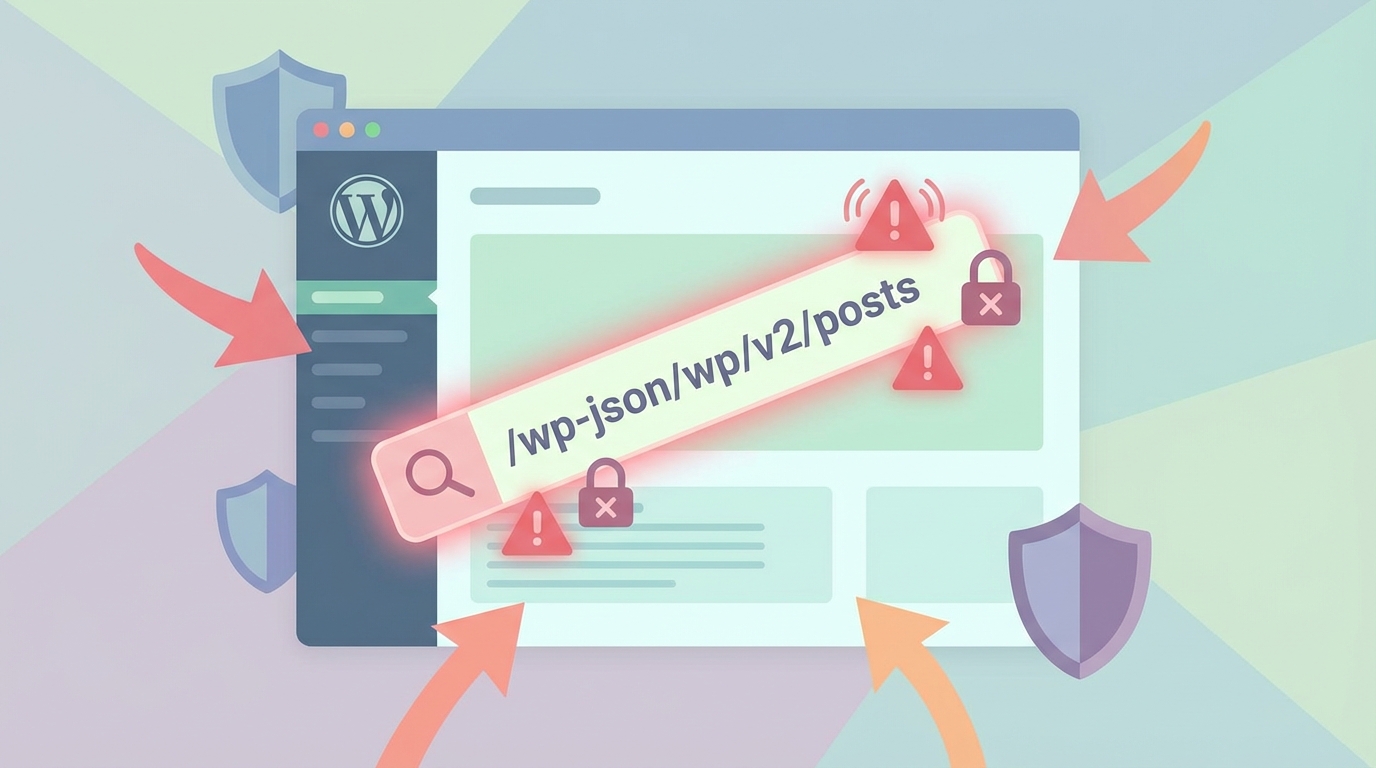
Modular DS exposes plugin routes under the "/api/modular-connector/" prefix. The design intention (per Patchstack) is straightforward: sensitive routes are supposed to sit behind an authentication barrier (middleware).
The problem is that this protection can be bypassed when the plugin treats the request as a “direct request”. In practice, that classification can be forced by sending specific query parameters—Patchstack describes bypassing the auth layer by supplying origin=mo and a type value (for example: origin=mo&type=xxx).
The most alarming detail is why this works: according to Patchstack, once a site has been connected to Modular (i.e., tokens exist and can be renewed), the plugin’s middleware can be bypassed because there’s no cryptographic link between the inbound HTTP request and the actual Modular service. In other words: the request can look “internal enough” based on URL/parameters, without proving it actually came from a trusted system.
Why developers should care beyond this one plugin
This is a classic case of “implicit trust” leaking onto the public internet: URL-based route matching + a permissive bypass mode + authentication based on connection state + a login flow that can fall back to an admin session. Individually these choices might look reasonable; together they form an exploit chain.
Which routes become exposed
Patchstack reports that bypassing the auth layer exposes multiple routes, including:
/login/(remote login path—central to the admin takeover)/server-information/(potentially reveals environment/system details)/manager/(management actions)/backup/(access to backup-related actions/data)
The key escalation step is abusing the login endpoint. Patchstack says an unauthenticated attacker can exploit the "/login/{modular_request}" route to obtain administrator access—turning this into a practical site takeover vector.
What active exploitation looks like (IOCs you can actually search for)
Patchstack reports exploitation was first detected on January 13, 2026, around 2 a.m. UTC, with HTTP GET calls to:
# Look for suspicious requests targeting the Modular DS connector login route
# (adjust log paths/format depending on your stack)

# Nginx access logs
grep -R "GET /api/modular-connector/login/" /var/log/nginx/

# Apache access logs
grep -R "GET /api/modular-connector/login/" /var/log/apache2/Those login hits were reportedly followed by attempts to create an admin user. That means your investigation shouldn’t stop at access logs—you should also audit WordPress user creation events and role changes around the same timeframe.
Patchstack attributes observed activity to at least these source IPs:
- 45.11.89[.]19
- 185.196.0[.]11
Don’t overfit your detection to two IPs
Treat the listed IPs as helpful IOCs, not a full blocklist. Once an exploit is public and profitable, scanning quickly fans out across different infrastructure.
Immediate remediation checklist (what I’d do on a production site)
If you’re responsible for a WordPress site running Modular DS, prioritize these actions in order:
- Update Modular DS to 2.5.2 immediately. This is the patched release.
- Hunt for compromise indicators. Look for unexpected administrator users, unusual role changes, and spikes of requests to
/api/modular-connector/login/. - Regenerate WordPress salts to invalidate existing sessions (forces re-login across the site).
- Regenerate OAuth credentials associated with the Modular connection.
- Scan the site for malicious plugins/files/code. Pay particular attention to new PHP files in writable directories, modified plugin/theme files, and unknown MU-plugins.
Modular DS maintainers also stated the vulnerability lived in a custom routing layer extending Laravel’s route matching. The key takeaway: this wasn’t a single missing capability check—it was overly permissive route matching that allowed crafted requests to reach protected endpoints without proper authentication validation.
What to take away (even if you don’t run Modular DS)
This incident is a solid reminder that “internal” paths and modes (like direct-request shortcuts) are risky when they’re reachable from the public internet. If you build WordPress plugins (or any web app with an HTTP surface), avoid using URL parameters as a trust signal, and don’t let “connection state” substitute for request authentication.
For site owners and agencies, the operational lesson is simpler: when a plugin with tens of thousands of installs ships a CVSS 10.0 auth bypass + admin takeover, patching isn’t a best practice—it’s incident response.
Emma Richardson
UI/UX designer and frontend developer. React and the modern JavaScript ecosystem are my expertise. Passionate about user experience and accessibility.
All posts