
Atomic Deploys in WordPress: How Trellis Delivers Zero-Downtime Releases and Fast Rollbacks
If you’ve ever pushed a WordPress update and then immediately opened an incognito tab to make sure nothing exploded, you already understand the problem: traditional WordPress deployments are often live file surgery. Files get overwritten while PHP requests are actively reading them, and for a few seconds (or minutes) your visitors might be served a mismatched mix of old and new code.
Trellis (the server provisioning + deployment tool in the Roots stack) takes a more modern approach that’s common in application platforms but still oddly uncommon in WordPress hosting workflows: atomic, zero-downtime deployments with built-in rollbacks.
What’s nice is you don’t have to rebuild your entire workflow around Trellis to benefit. A lot of teams keep their preferred local setup (Lando, DDEV, Valet, etc.) and use Trellis purely as the deployment layer—especially for Bedrock-based projects.
What “zero downtime” actually means in WordPress
In this context, zero downtime means your site stays fully functional throughout a deployment. No half-updated plugins, no missing PHP classes because Composer hasn’t finished yet, and no theme assets briefly returning 404s because the upload isn’t complete.
The key idea is that the new version is prepared away from the live document root, and only when it’s complete do you switch the site over—instantly.
Why typical WordPress deploys break (even when they’re “automated”)
Most WordPress deployments still boil down to overwriting files in-place. The tooling varies, but the failure mode is the same.
- FTP uploads: slow, manual, and almost guaranteed to serve a mix of old and new files during the upload window.
- Sync-based deploys (e.g.
rsync): faster than FTP, but still updates the live filesystem while requests are executing. - Host/plugin-based deployment flows: convenient, but commonly still in-place updates—often without a clean rollback story if the release is bad.
Even if the window is short, it’s long enough for real users (or bots) to hit a broken state. And once you’ve overwritten the previous version, rolling back is usually a scramble.
Trellis’s approach: atomic and immutable releases
Trellis deploys using an atomic deployment strategy. “Atomic” means the switch from old to new happens as a single operation—no intermediate state where your web server is pointing at half-updated code.
It’s also effectively immutable: once a release is deployed, that release directory isn’t modified in place. Each deploy creates a brand-new, timestamped release folder.
The directory layout that makes this work
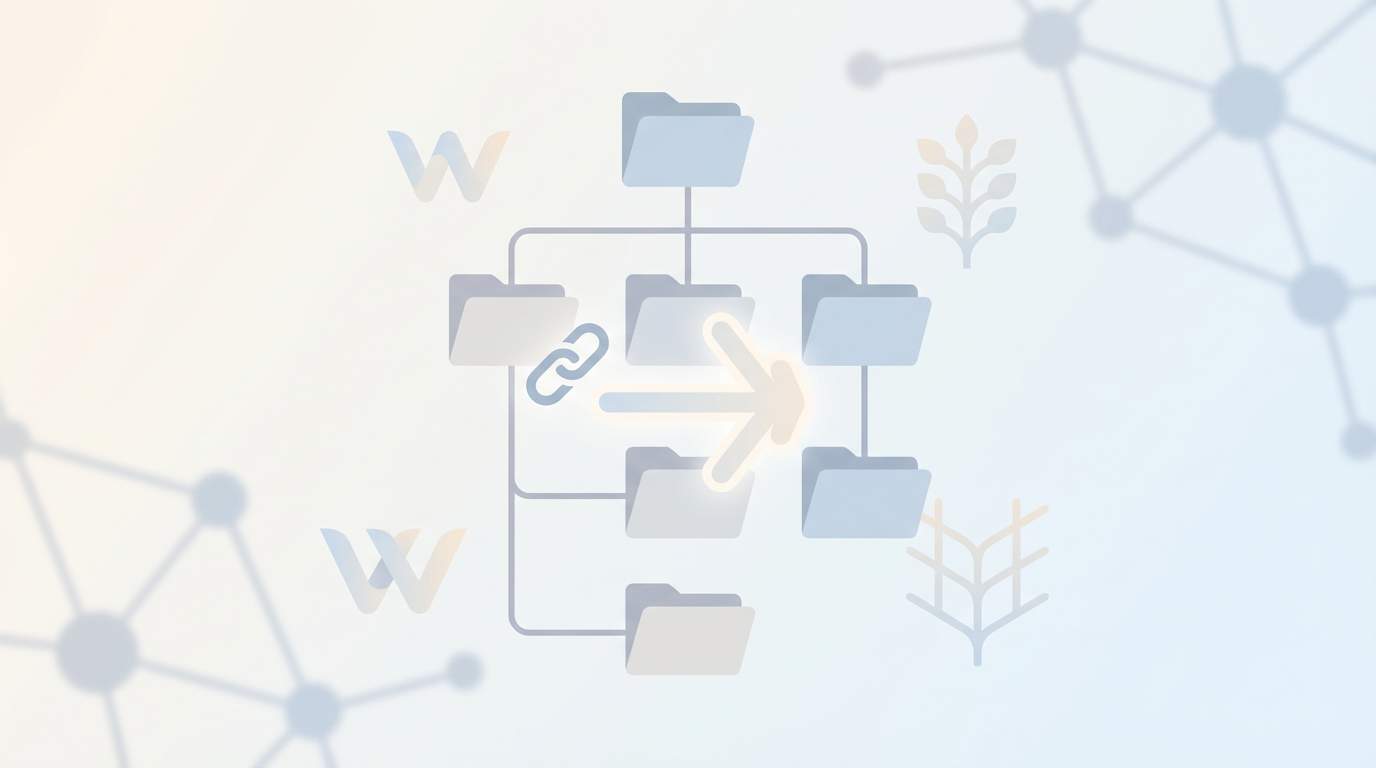
On the server, Trellis structures each site so that your web server always points at a stable path—current—which is actually a symlink to the active release.
/srv/www/example.com/
├── current/             # Symlink to active release
├── releases/            # All deployed releases
│   ├── 20250930124530/
│   ├── 20250930083045/
│   └── 20250930141622/  # Most recent
├── shared/              # Shared files across releases
│   └── uploads/
└── logs/Because current is just a symlink, switching versions is a lightweight filesystem operation. That’s the “instant cutover” that keeps requests consistent during a deploy.
What happens during trellis deploy production
A Trellis deploy stages the new release end-to-end before your users ever see it. At a high level, the deploy flow looks like this:
- Initialize: ensure the directory structure exists and create a new timestamped release directory.
- Update: clone the latest code from your Git repository into an isolated working area (separate from the live site).
- Prepare: copy the prepared source into the new release directory.
- Build: run
composer installto install PHP dependencies. - Share: symlink persistent/shared data (like WordPress uploads) from
shared/into the release. - Finalize: update the
currentsymlink to point to the new release directory.
From a user’s perspective, the site goes from “old release” to “new release” in one step—no period where PHP might load a file that belongs to the new version while the rest of the codebase is still old.
The database is the part you still need to plan for
Atomic deployments solve the filesystem side of releases, but database changes are a separate concern. Trellis doesn’t automatically run schema migrations as part of a deploy.
Don’t confuse “zero downtime deploy” with “zero risk deploy”
Your code can switch instantly, but schema changes can still break things if old and new code can’t safely run against the same database state.
If you’re building on Acorn (Roots’ Laravel-flavored framework for WordPress), you can use Laravel migrations and execute them as part of your deployment process. The important bit is designing migrations to be safe—especially if you might need to roll back quickly.
Rollbacks: the underrated advantage of immutable releases
Once you’re deploying immutable release directories, rollback becomes refreshingly boring: you just point current back to a previous release.
trellis rollback productionBecause the previous release is still intact on disk, rollback doesn’t require re-uploading anything. Trellis keeps a limited set of recent releases by default (the most recent few), which is typically enough for practical recovery.
Deployment hooks: where you fit in your real-world requirements
Most teams need “more than deploy”: cache clears, backups, notifications, or basic smoke tests. Trellis supports that via deployment hooks—named extension points you can attach tasks to at different stages.
Common hook points include deploy_build_before / deploy_build_after and deploy_finalize_before / deploy_finalize_after, plus hooks around the major phases (initialize, update, prepare, build, share, finalize).
- Run a database backup right before the cutover.
- Clear page cache/object cache after the symlink switches to the new release.
- Send a deployment notification to your team chat.
- Run a quick smoke test against the new release immediately after finalize.
A pragmatic way to adopt Trellis (without changing your entire dev setup)
If your current pain is production deployments—not local dev—Trellis can be adopted incrementally. A common pattern is:
- Use Bedrock for a cleaner WordPress project structure (and Composer-managed dependencies).
- Add Trellis for deployment configuration and orchestration.
- Set your
wordpress_sites.ymlto point at your Git repository. - Deploy with
trellis deploy production.
Your first deploy will typically be the slowest because it has to set up the server-side structure and pull dependencies. After that, you get predictable, repeatable releases—and an escape hatch when something goes wrong.
Summary: what you gain by going atomic
- No mixed-code state during deployment (the #1 cause of transient production errors).
- Fast rollbacks because old releases remain intact on disk.
- Clear separation between deploy-time build steps (Composer installs, asset builds) and the live site.
- Customization via hooks so deployments fit into real production operations.
Emma Richardson
UI/UX designer and frontend developer. React and the modern JavaScript ecosystem are my expertise. Passionate about user experience and accessibility.
All posts