
WP-CLI for Wordfence + the WordPress Abilities API: A Terminal-First Security Workflow (and a Path to AI Automation)
If you maintain WordPress sites at any kind of scale, you’ve probably had the same thought at least once: why am I clicking through wp-admin for routine security work? Scans, firewall tweaks, issue triage-these are perfect candidates for repeatable, scriptable workflows.
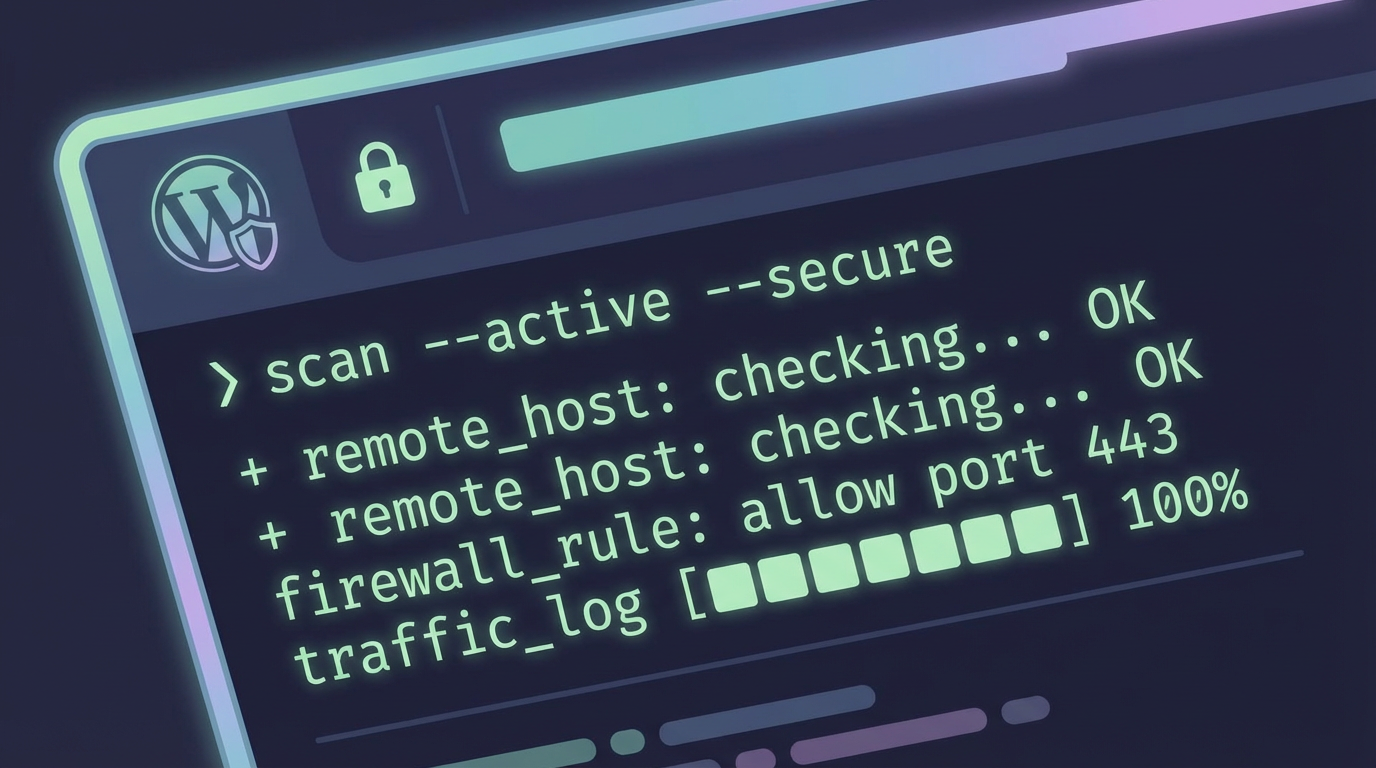
A new open-source plugin, WP-CLI for Wordfence, does exactly that by adding a dedicated wp wfsec command namespace for Wordfence Security. What makes it especially noteworthy is that it’s also one of the first plugins to support the WordPress Abilities API (introduced in WordPress 6.9), which opens the door to standardized discovery and execution of security actions by automation tools and AI agents.
What this plugin adds to your Wordfence workflow
Once installed, the plugin extends WP-CLI (WordPress’ command-line interface) with a wfsec namespace. The goal is straightforward: control core Wordfence operations without touching the admin dashboard-useful for SSH-based ops, CI/CD, or bulk maintenance across multiple sites.
Security scanning
- Start quick or full malware scans
- Monitor scan progress in real-time
- View scan history and detailed logs
Firewall management
- Block or unblock IP addresses
- Set block durations and reasons
- Check if specific IPs are blocked
- Enable or disable WAF protection
Issue tracking
- List all detected security issues
- Filter by status (new, ignored, resolved)
- Delete or manage individual threats
Configuration and license visibility
- Get and set Wordfence settings
- Check license status
- Export and import configurations
WP-CLI command examples you can actually use
Here are a few commands that illustrate the plugin’s scope. These are especially handy when you’re working on a remote server, building maintenance scripts, or running checks during deployments.
# Check overall Wordfence status
wp wfsec status

# Start a full security scan
wp wfsec scan start --type=full

# Watch scan progress
wp wfsec scan status

# List all security issues
wp wfsec issues ls --status=all

# Block an IP address for 24 hours
wp wfsec firewall block 192.168.1.100 --duration=86400 --reason="Brute force attempt"

# Check license status
wp wfsec license status
For automation, it’s important that the commands support machine-readable output: all commands support --format=json, which makes it easy to feed results into scripts, dashboards, monitoring, or incident response pipelines.
Why the WordPress Abilities API support is the bigger story
WP-CLI support is already a win, but the Abilities API integration is what changes the long-term automation picture. The WordPress Abilities API (WordPress 6.9+) is a standardized way for tools-especially AI agents-to discover what a site can do and interact with those capabilities through a self-describing, schema-validated interface.
Instead of writing custom glue code for every plugin, an agent can query available abilities, see what inputs are expected, and then execute those actions in a consistent way. For security tooling, that means you can finally treat parts of Wordfence as composable “operations” in a broader system.
Abilities exposed by WP-CLI for Wordfence
The plugin exposes seven core abilities, mapping common operational needs to a standardized interface:
- scan-status – Get current scan state and progress
- scan-start – Initiate security scans programmatically
- issues-list – Retrieve detected security issues
- issues-count – Get issue counts by severity
- firewall-status – Check WAF state
- firewall-block – Block IPs via API
- license-status – Query license information
In practice, this makes it possible to build AI-driven security monitoring, wire Wordfence into custom admin panels, or run routine checks via automation-without inventing a one-off integration for each site and each tool. The emphasis here is on interoperability: discoverable abilities plus schema validation means less guesswork for automation clients.
Authentication model
Authentication is handled via WordPress Application Passwords over Basic Auth. Application Passwords are the built-in mechanism in WordPress for issuing credentials to external tools, and Basic Auth is the standard HTTP authentication scheme commonly used by scripts and agents in controlled environments.
Treat it like production security tooling
If you’re exposing abilities to automation clients, keep your Application Passwords scoped to the minimum required access, and store them like any other secret (CI variables, secret managers, etc.).
Requirements (so you don’t waste time debugging)
- WordPress 6.9+
- PHP 8.0+
- WP-CLI 2.5+
- Wordfence Security plugin (free or premium)
Installation options
You can install it as a classic WordPress plugin by downloading the ZIP and uploading it to your /wp-content/plugins/ directory. If you’re on a Bedrock-style stack, the project also mentions a Composer-based install path.
What to do with it: practical automation patterns
With wp wfsec commands and the Abilities API living side-by-side, you can pick the interface that fits the job: WP-CLI for server-side scripting, and Abilities API for external tools that need discovery and structured execution.
- Run scheduled scans via WP-CLI (cron/systemd timers) and parse
--format=jsonoutput into logs or alerting. - Build a lightweight internal dashboard that uses the Abilities API to fetch
issues-countandscan-statusacross multiple sites. - Automate incident response by calling
firewall-blockwhen monitoring detects suspicious behavior (paired with a human review step where needed). - Validate licensing and configuration drift by checking
license-statusand exporting/importing config during migrations.
Summary
WP-CLI for Wordfence brings Wordfence’s day-to-day operations into a terminal-friendly workflow via wp wfsec, including scanning, firewall control, issue tracking, and configuration management-with JSON output for scripting. The real differentiator is support for the WordPress Abilities API in WordPress 6.9+, exposing seven security-focused abilities that can be discovered and used by automation tools and AI agents using Application Passwords over Basic Auth.
References / Sources
James O'Brien
Backend developer, Node.js and Go specialist. API design and microservices architecture are my main focus. I love diving deep into technical details.
All posts