

WordPress 6.9 “Gene”: Notes, Dashboard-Wide Command Palette, and a New Abilities API
WordPress 6.9 (“Gene”) is one of those releases that feels less like a collection of isolated features and more like a push toward smoother production workflows. The headline items aren’t flashy for the sake of it—they’re the kinds of changes that matter when you’re shipping pages weekly, collaborating with multiple stakeholders, and maintaining a plugin/theme stack that has to keep up.
In this post, I’ll walk through what’s new in 6.9 with a developer-leaning lens: what Notes changes about editorial review, why a dashboard-wide Command Palette is a bigger deal than it sounds, and what the new Abilities API signals for automation and AI-adjacent integrations—plus a quick look at performance and accessibility improvements.
What’s in WordPress 6.9 (high level)
- Notes: block-level commenting directly on the editing canvas for posts and pages.
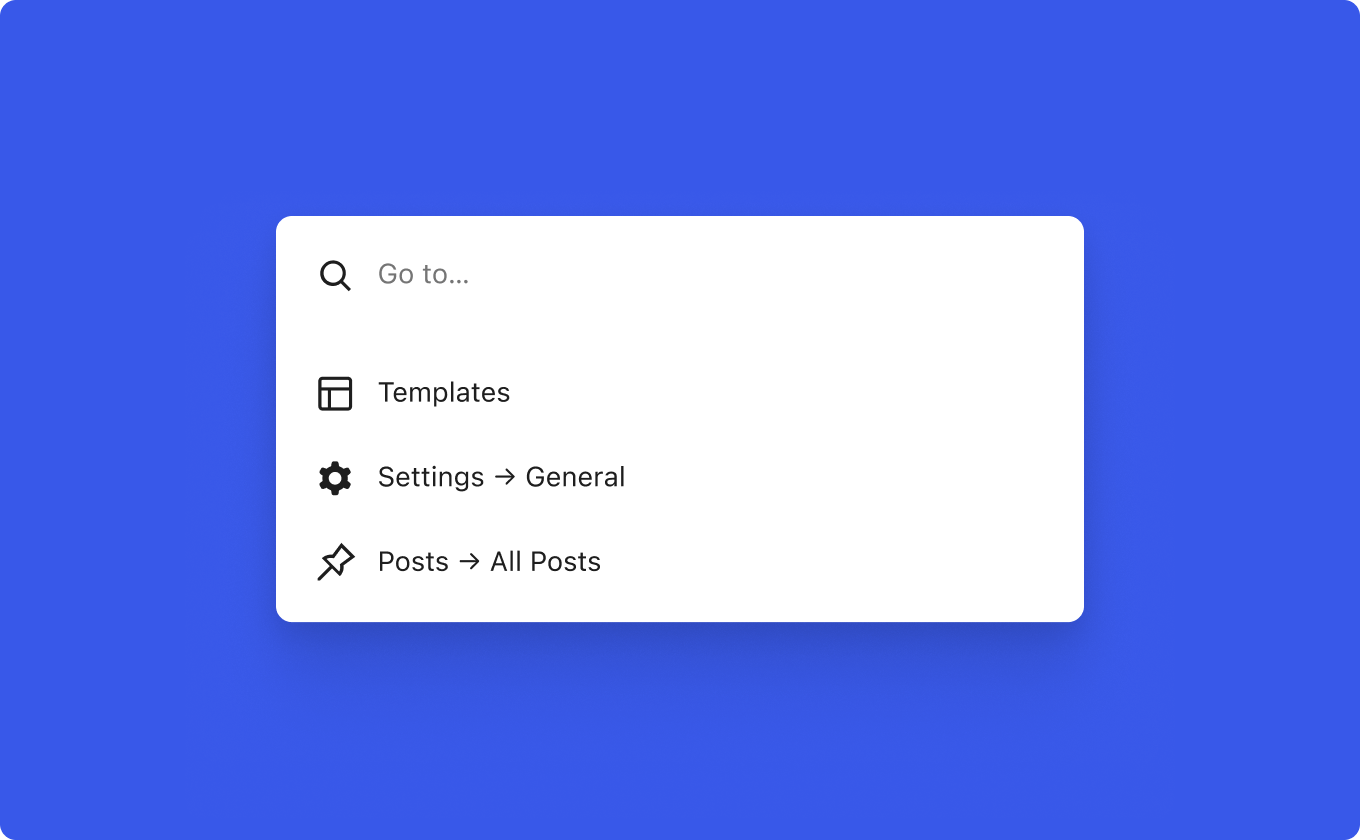
- Command Palette across the dashboard: keyboard-driven navigation and actions no longer confined to one screen.
- Fit text to container: a typography option for Paragraph and Heading blocks that auto-scales text to the available space.
- Abilities API: a standardized, machine-readable permissions/action system intended to work consistently across PHP, REST, and automation/AI contexts.
- Accessibility improvements: 30+ fixes spanning screen readers, focus management, and input behavior.
- Performance enhancements: improved LCP and a range of front-end, caching, DB query, and WP-Cron related optimizations.
Notes: block-level collaboration without leaving the editor
If you’ve ever reviewed a draft where feedback lived in a Slack thread, a Google Doc, and a few vague “change the hero text” comments, you’ll immediately get why Notes matters. WordPress 6.9 introduces Notes as block-level comments inside the post editor—feedback attaches to the exact block being discussed.
The practical win is context. Copy edits, layout tweaks, and content approvals become anchored to the canvas you’re already working on, which reduces ambiguity and speeds up iteration—especially on complex pages built from many blocks.

Why this matters for developers
Anything that reduces back-and-forth in content review reduces the number of “quick fixes” that end up as last-minute hot patches. Notes keeps review feedback closer to the actual block structure—useful when your theme and block styles rely on predictable markup and settings.
Command Palette everywhere: keyboard-first workflows beyond the editor
Power users have been leaning on the Command Palette as a fast way to jump around and trigger actions. In 6.9, it expands beyond a single context and becomes accessible from anywhere in the WordPress dashboard—while editing content, working in the Site Editor, or managing plugins.
That shift is subtle but important: it turns the admin experience into something closer to a universal launcher. For teams managing multiple sites (or just large installs), the cumulative time savings adds up fast.
Fit text to container: a small control with big layout impact
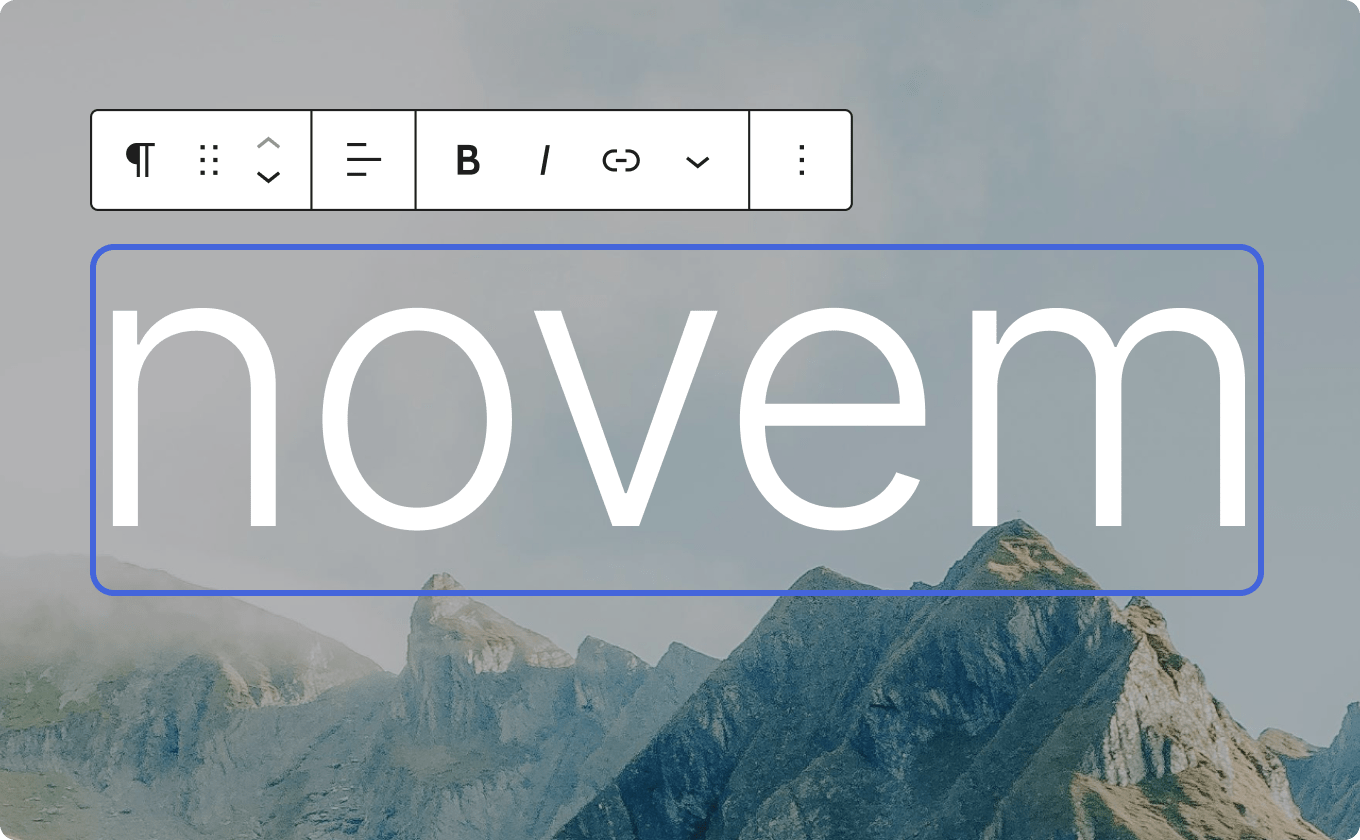
WordPress 6.9 adds a new typography option to the Paragraph and Heading blocks: fit text to container. Instead of choosing a static font size (or hand-tuning responsive sizes), the block can automatically scale text to fill its container.
This is especially useful for banners, hero headlines, callouts, and those “one line must look perfect” moments where designers typically reach for custom CSS. It won’t replace a full typographic system, but it does reduce the gap between what you can do in the editor and what previously required theme-level work.
The Abilities API: a foundation for consistent automation
The most developer-relevant addition in 6.9 is the new Abilities API. In WordPress terms, an API is a structured interface (functions, endpoints, and conventions) that lets code interact with the system predictably. The Abilities API is positioned as a unified, machine-readable way to register and validate site actions and permissions so they can be executed consistently across contexts—whether that’s PHP, REST endpoints, or automation/AI agents.
Conceptually, this is about standardization: a registry of “what can be done” on a site, described in a way that tools can understand and verify. That’s useful for everything from internal automation to external systems that need to safely trigger actions with the right permission checks.

What not to assume (yet)
The announcement frames the Abilities API as groundwork. Treat it as a foundation for future workflows rather than expecting an instant, universal “AI plugin interface” that solves automation overnight.
Accessibility: over 30 fixes that smooth out daily usage
Accessibility work in core tends to land as lots of small, meaningful changes rather than one marquee feature. WordPress 6.9 includes more than 30 accessibility fixes, including improvements to screen reader announcements, reducing noise from CSS-generated content for assistive tech, correcting cursor placement issues, and keeping typing focus stable even when an autocomplete suggestion is clicked.
If you build custom admin UIs, block controls, or complex editorial experiences, changes like focus management and screen reader behavior matter—because they’re the difference between “technically works” and “usable every day.”
Performance: better LCP and a cleaner path to first render
Performance in WordPress is a multi-layer puzzle: theme styles, block assets, script loading, database queries, caching, cron behavior, and more. WordPress 6.9 ships with notable front-end improvements focused on loading speed and rendering efficiency.
According to the release announcement, 6.9 improves LCP (Largest Contentful Paint) through on-demand block styles for classic themes, minified block theme styles, and a higher limit for inline styles to reduce render-blocking. It also deprioritizes non-critical scripts to help clear the rendering path.
Beyond the front end, the release mentions optimized database queries, refined caching, improved spawning for WP-Cron, and a new template enhancement output buffer that opens the door for additional optimizations later.
A practical takeaway
If you maintain classic-theme sites that have slowly accumulated block-related styling overhead, 6.9’s on-demand approach to block styles is worth re-testing. It’s exactly the kind of change that can improve real-user metrics without you touching your theme.
Where to get WordPress 6.9 and what to read next
If you want the full release overview and official supporting docs, these are the key resources from the release materials:
- Download the release zip: https://wordpress.org/wordpress-6.9.zip
- What’s New / feature showcase: https://wordpress.org/download/releases/6-9
- Release Notes: https://wordpress.org/documentation/wordpress-version/version-6.9
- Developer-focused Field Guide: https://make.wordpress.org/core/wordpress-6-9-field-guide/
- Learn WordPress: https://learn.wordpress.org/
Summary: the 6.9 upgrades that will show up in your day-to-day
- Notes makes editorial review less ambiguous by anchoring feedback to the exact block.
- A dashboard-wide Command Palette encourages faster navigation and more keyboard-first admin workflows.
- Fit text to container reduces the need for custom CSS in common “hero/callout” layouts.
- The Abilities API lays groundwork for consistent, machine-readable actions across PHP, REST, and automation/AI contexts.
- Accessibility and performance improvements continue to chip away at real usability and real-user speed metrics.
Emma Richardson
UI/UX designer and frontend developer. React and the modern JavaScript ecosystem are my expertise. Passionate about user experience and accessibility.
All posts